

GoTo Webinar
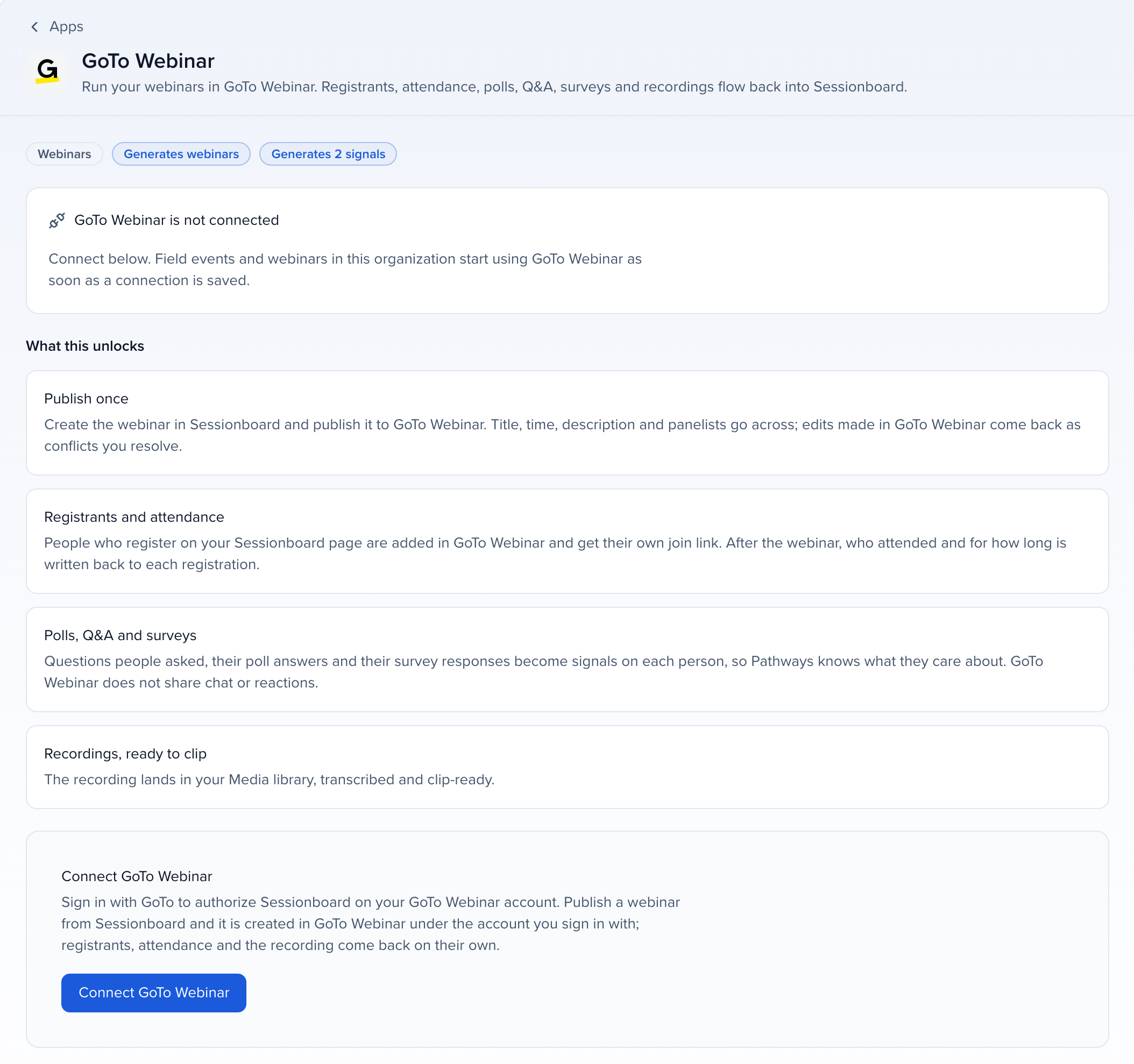
Connect GoTo Webinar by signing in with GoTo, and run your webinars from Program → Webinars: Sessionboard creates the webinar in GoTo, adds your speakers as panelists, registers people with their own join link, and after it ends brings back attendance, poll answers, questions, survey answers and the recording. See Run webinars from Sessionboard for the webinar side.
Why use it
Section titled “Why use it”When you connect, Sessionboard brings in every GoTo webinar from the last year with its registrants, attendance, questions and recordings, so your webinar history is on the same contact records as the rest of your program from day one. New webinars then run from one place.
What syncs
Section titled “What syncs”| GoTo Webinar | |
|---|---|
| Create and update the webinar in GoTo | Yes, single-session webinars |
| Speakers as panelists | Yes |
| Registrants to GoTo, with a personal join link | Yes. With registration on your page, GoTo’s confirmation and reminder emails are off and the link goes in your confirmation email |
| Registrants from GoTo | Yes |
| Attendance and minutes | Yes |
| Poll answers and Q&A | Yes |
| Survey answers | Yes. A 0 to 10 answer to a rating question becomes a rating; other answers become feedback |
| Chat, reactions, CTA clicks | No, GoTo has no API for them |
| Recordings into Media | Yes. Media → Discover also lists every recording in the account |
| Past webinars | Every webinar that ended in the last 365 days is imported when you connect, and new ones are picked up every 6 hours |
Before you connect
Section titled “Before you connect”Sign in as the GoTo Webinar organizer whose webinars you want: webinars Sessionboard creates go under that GoTo account, and the import reads that account’s webinars.
Connect GoTo Webinar
Section titled “Connect GoTo Webinar”Open the app
Open Apps in the organization sidebar, go to the Webinars category and click GoTo Webinar.
Sign in with GoTo
Click Connect, sign in with GoTo and approve access to GoTo Webinar.
Let the import run
Sessionboard imports the account’s webinars from the last year in the background. They appear on Program → Webinars.
How it stays in sync
Section titled “How it stays in sync”GoTo tells Sessionboard when a webinar is created or changed, someone registers or joins, or a survey is submitted. Sessionboard also checks every published webinar every 15 minutes, from 90 days before it starts until two days after it ends, and you can click Sync now any time.
Limits
Section titled “Limits”- Settings that stay in GoTo: Q&A, recording and registrant approval follow the organizer’s GoTo defaults; Sessionboard does not set them.
- Poll and survey answers are read for up to 2,000 people per webinar. They carry no time, so they are counted but not shown on the webinar’s timeline.
- People who joined without registering are added to the webinar as checked-in registrants when GoTo reports their email address.
Troubleshooting
Section titled “Troubleshooting”- Sign-in expired: GoTo stopped accepting the saved sign-in. Click Reconnect GoTo Webinar on the webinar or in Apps and sign in again.
- Registering people through the API is not included in every GoTo Webinar plan: GoTo refused the registration. Check the plan of the connected GoTo account, or keep registration on GoTo Webinar’s page.
- GoTo Webinar did not return the new webinar key: do not publish again. Import the webinar from GoTo Webinar instead.
- GoTo Webinar has no webinar with this key: GoTo cannot find the webinar, usually because it was deleted there. Check GoTo Webinar for it.