Access your other event portals
If you are a part of multiple events using Sessionboard, then this article will provide you with instructions on switching between the different portals without having to log out of your existing one.
- Log into a portal.
- This can be any portal for an event you have access to as in the next step you will learn how to switch to a new event portal.
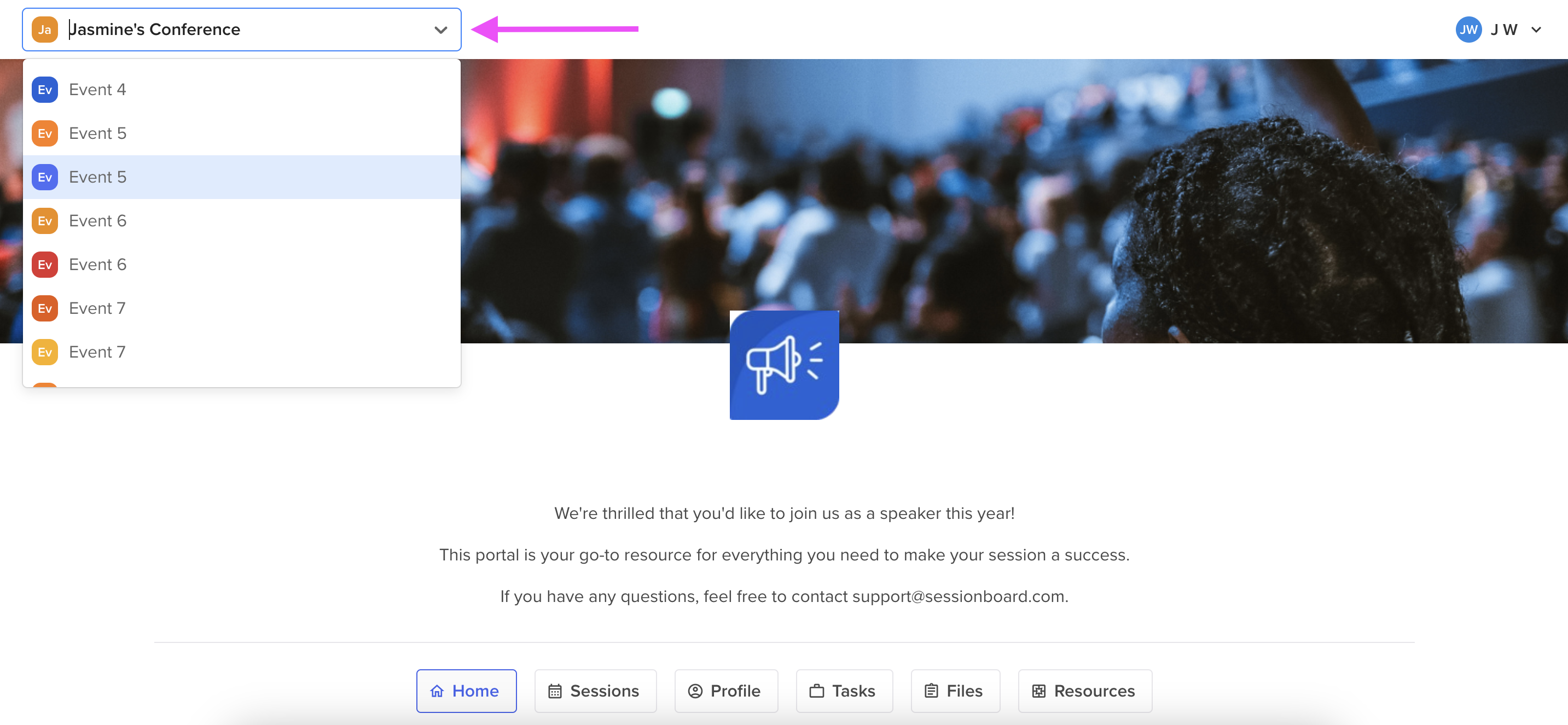
- Within your portal homepage, select the down arrow or the event name at the top left-hand corner of your screen to choose a new event.
- Event names are listed in alphabetical order.
- You will only see additional event names as long as you have access to the portal with the same username/email address.