

BigMarker

Connect BigMarker with an API key and run your webinars from Program → Webinars: Sessionboard creates the webinar in BigMarker, invites your speakers as presenters, registers people with their own link, and after it ends brings back attendance and every kind of engagement BigMarker reports, including on-demand views, plus the recording. See Run webinars from Sessionboard for the webinar side.
Why use it
Section titled “Why use it”BigMarker reports nearly everything an attendee does: polls, questions, chat, reactions, offer clicks, handouts and on-demand viewing. Connected to Sessionboard, all of it lands on the same contact record as the rest of your program, feeds Pathways, and shapes each attendee’s recap.
What syncs
Section titled “What syncs”| BigMarker | |
|---|---|
| Create and update the webinar in BigMarker | Yes |
| Speakers as presenters | Yes. BigMarker emails each one their presenter invitation |
| Registrants to BigMarker, with a personal link | Yes |
| Registrants from BigMarker | Yes |
| Attendance and minutes | Yes, including BigMarker’s engaged time |
| Poll answers, Q&A, chat, reactions | Yes |
| Offer clicks | Yes, as CTA clicks |
| Reviews and survey answers | Yes, as ratings and feedback |
| Handout downloads | Yes, recorded as content the attendee opened |
| On-demand views | Yes, recorded as replays |
| Recordings into Media | Yes. Media → Discover also lists past BigMarker webinars that have a recording |
Each report is read on its own: if BigMarker refuses one of them, only that kind of engagement is left out.
Before you connect
Section titled “Before you connect”- A BigMarker account that administers at least one channel.
- An API key: in BigMarker go to Settings → API Keys and create one. Note the API base URL shown on that page.
- Real-time updates use BigMarker webhooks, which most BigMarker plans include only on Enterprise. Without them, Sessionboard still checks every 15 minutes.
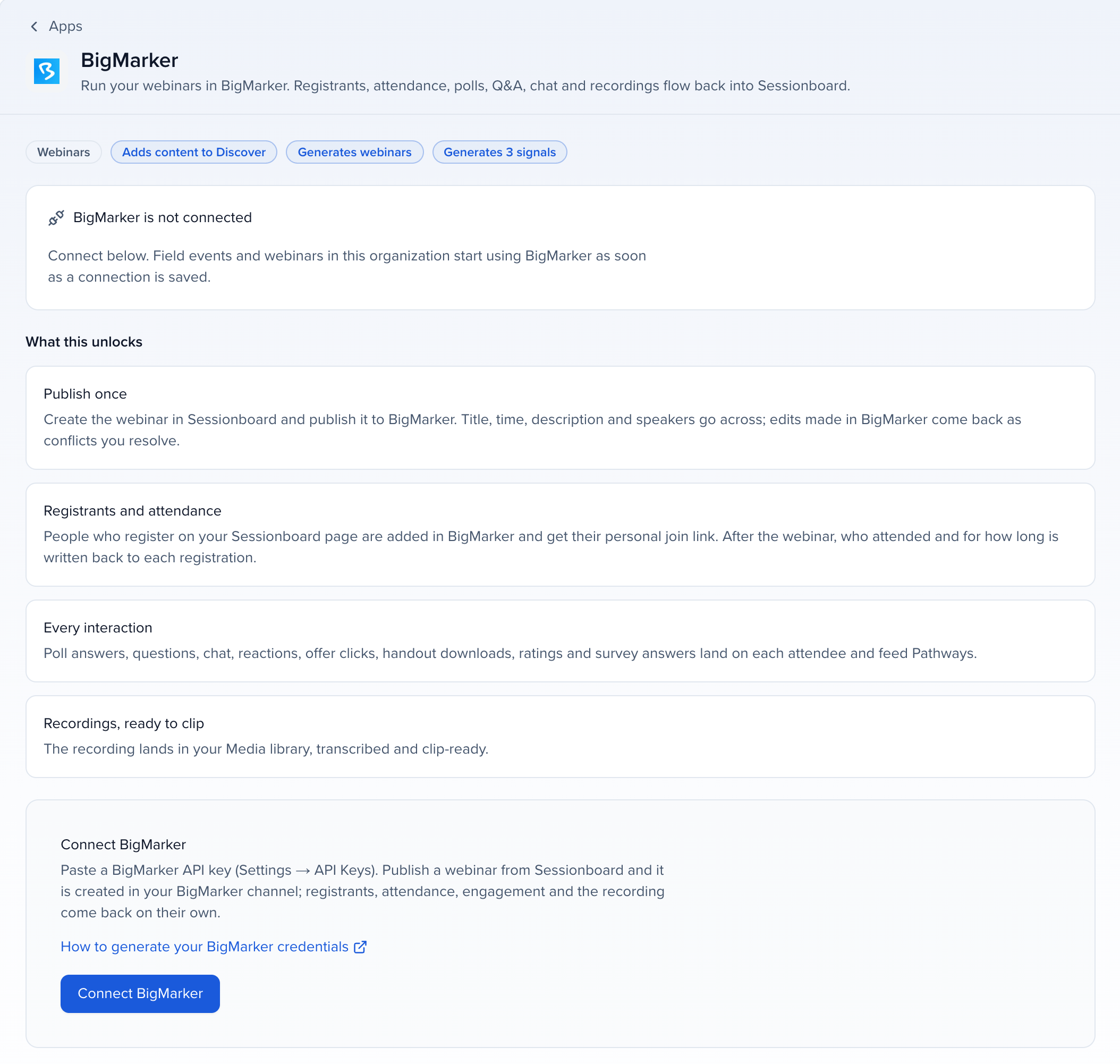
Connect BigMarker
Section titled “Connect BigMarker”Open the app
Open Apps in the organization sidebar, go to the Webinars category and click BigMarker.
Enter the key
Paste the key into BigMarker API Key. In BigMarker API base URL, use the base URL shown in BigMarker under Settings → API Keys: accounts on web.bigmarker.com use https://web.bigmarker.com/api/v1. Optionally enter a BigMarker Channel ID for the channel webinars published from Sessionboard are created in; leave it empty to use the key’s first channel.
Connect
Click Connect. Sessionboard checks the key by listing your channels.
How it stays in sync
Section titled “How it stays in sync”When you publish a webinar, Sessionboard asks BigMarker to send notices for new registrations, the end of the webinar, live attendees and on-demand viewers. Each notice starts a sync. Sessionboard also checks every published webinar every 15 minutes, from 90 days before it starts until two days after it ends, and you can click Sync now any time.
Limits
Section titled “Limits”- Titles are cut to 100 characters, and a webinar can run 1 to 720 minutes.
- Guests who join without an email address are counted in BigMarker but not stored in Sessionboard.
- Transcripts: Sessionboard transcribes the recording itself.
- People who joined without registering are added to the webinar as checked-in registrants when BigMarker reports their email address.
Troubleshooting
Section titled “Troubleshooting”- The key is not accepted: check that it was copied in full from Settings → API Keys, that the API base URL is the one shown on that page, and that the account administers at least one channel.
- Sign-in expired: BigMarker rejected the API key, usually because it was deleted. Create a new key and enter it in the BigMarker app in Apps.
- This BigMarker API key has no channel: create a channel in BigMarker, then publish again.
- BigMarker created the webinar but did not return its id: check BigMarker before you publish again.