

Sponsor tiers
Tier is a standard field on every sponsor group. The levels it offers — Gold, Silver, Bronze, or whatever your prospectus calls them — are set per event under CRM → Sponsors → Tiers, and once a sponsor has a tier you can filter, email, assign and build portals by it.
Manage the tiers
Section titled “Manage the tiers”Go to CRM → Sponsors → Tiers. Every event starts with Gold, Silver and Bronze; the table shows each tier’s Name, its display Order, and how many Sponsors currently hold it.
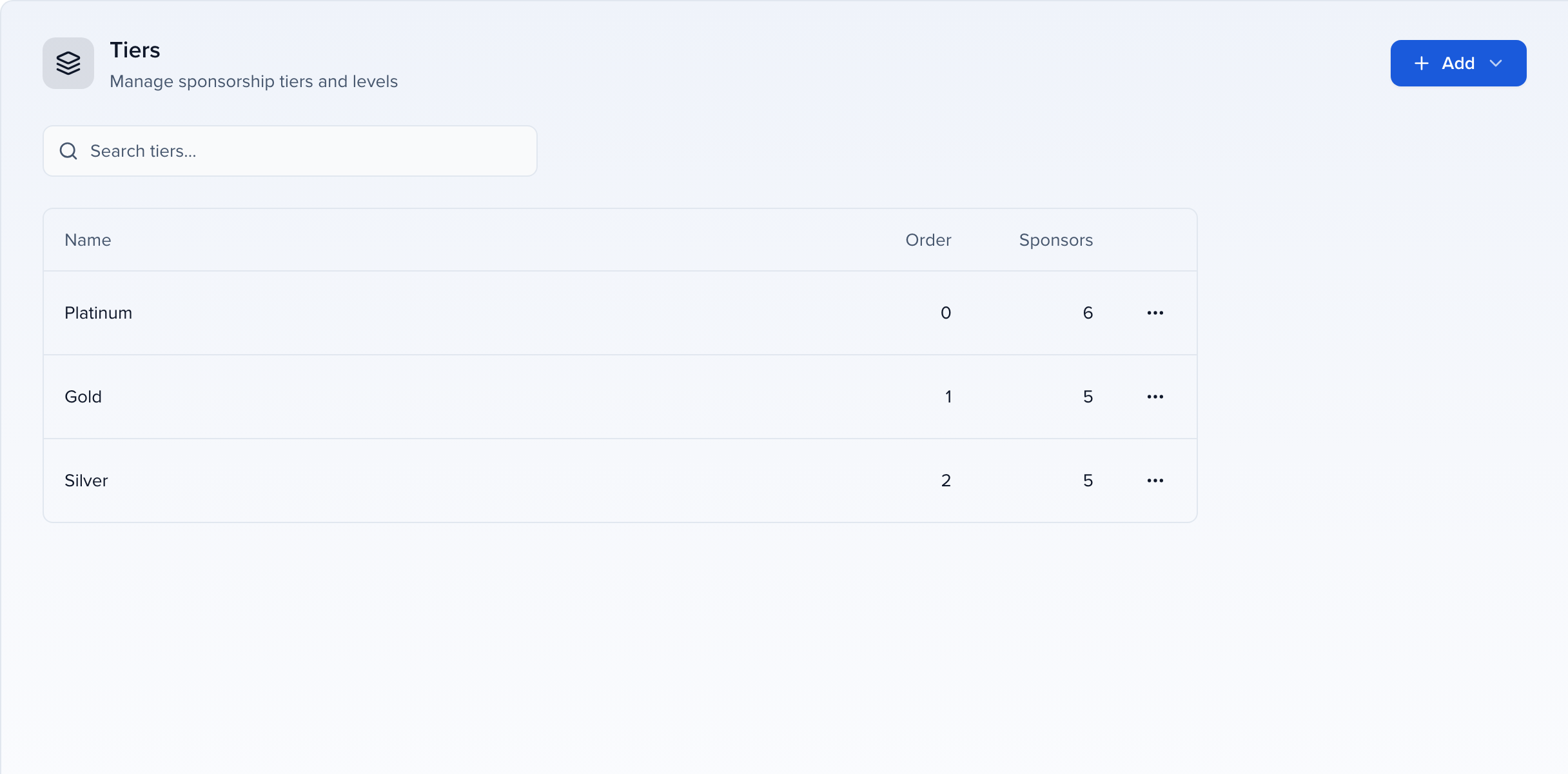
- Add → Add Tier creates a level: give it a Name and a Display Order (lower numbers sort first).
- Add → Copy from… brings the tiers over from another of your events.
- Actions → Edit renames a tier or changes its order; sponsors keep the tier under its new name. Actions → Delete removes it.
Assign a tier to a sponsor
Section titled “Assign a tier to a sponsor”- One sponsor: open it from CRM → Sponsors and set Tier on the Profile tab, or choose it under Tier when you add the sponsor by hand.
- Several at once: select the rows on the Sponsors list and use Edit in the action bar to set Tier for all of them — see Bulk edit fields.
- From a spreadsheet: when levels change after the sales cycle, an import that includes a Tier column updates every sponsor in one pass.
- From the intake form: add the Tier field to the Group information step of the sponsor intake form if you want sponsors to pick their own level.
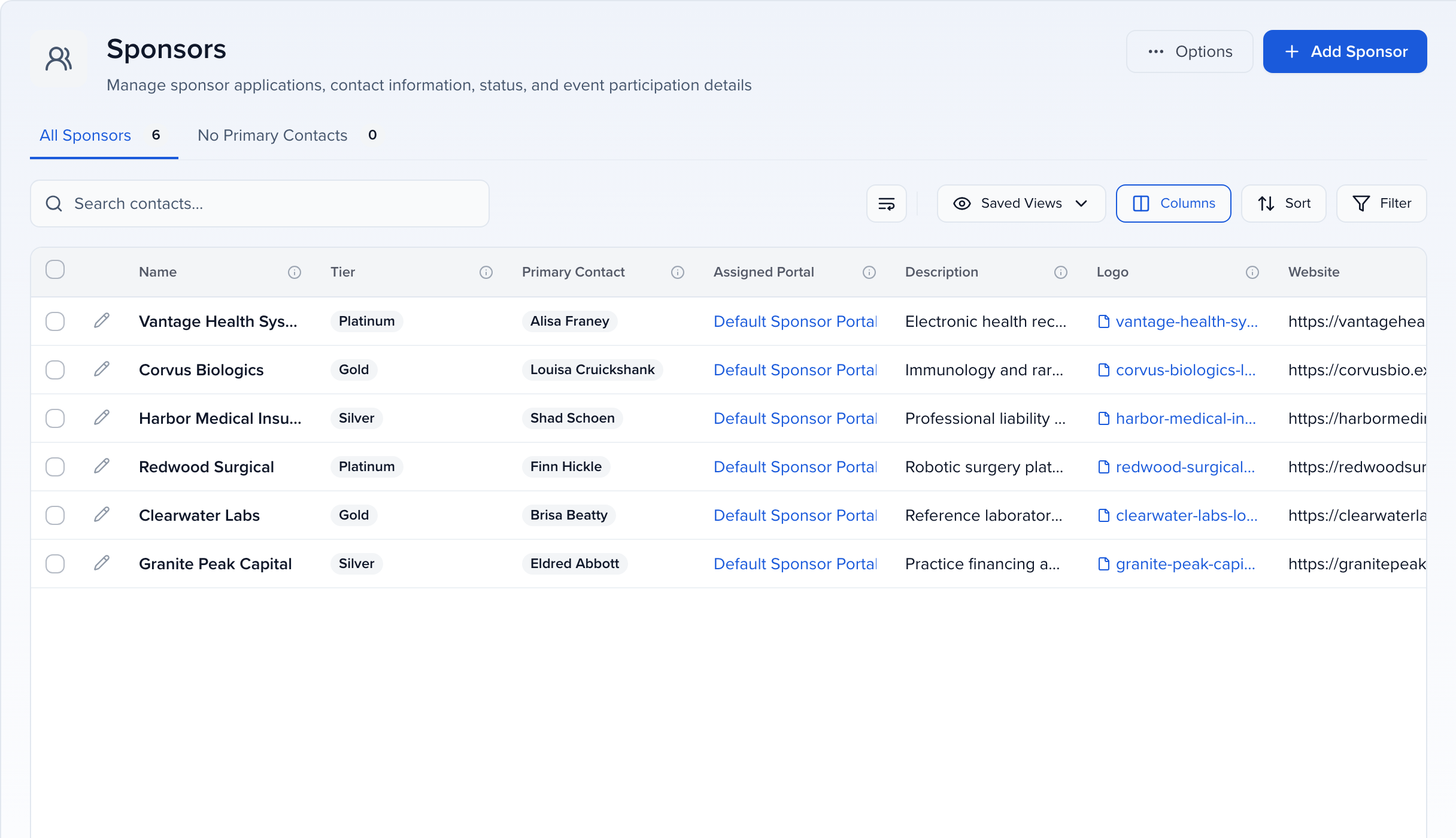
The Tier column sits next to Name on the Sponsors list, so the level is visible at a glance.
What tiers unlock
Section titled “What tiers unlock”- Filtered views. Filter the Sponsors list by Tier, then Saved Views to keep “All Gold Sponsors” or “Needs assets – Bronze” one click away for the whole team.
- Targeted outreach. Select the rows in a tier and Send an email or SMS — logo specs to Silver and Bronze, sponsored-session details to Gold only.
- Fulfilment by tier. From a filtered view, Assign tasks, files or forms so the deliverables each level owes are tracked in one place.
- Tier-specific portals. Build a portal whose filter is Tier = Gold and give it the tasks and resources that level gets — “Upload sponsored session slides” for Gold, never shown to Bronze. See Creating custom portals.
- Integrations. Tier is a standard field, so it is available to connected apps that read sponsor groups — see the article for your app under Apps.