

Review summary
The Summary tab is the dashboard for everything reviewers have done in your event. Use it to see how far review has progressed, which submissions are scoring best, where reviewers disagree, and whether anyone has stalled — without opening each plan.
Open the Summary
Section titled “Open the Summary”Go to Program → Review. Summary is the first tab.
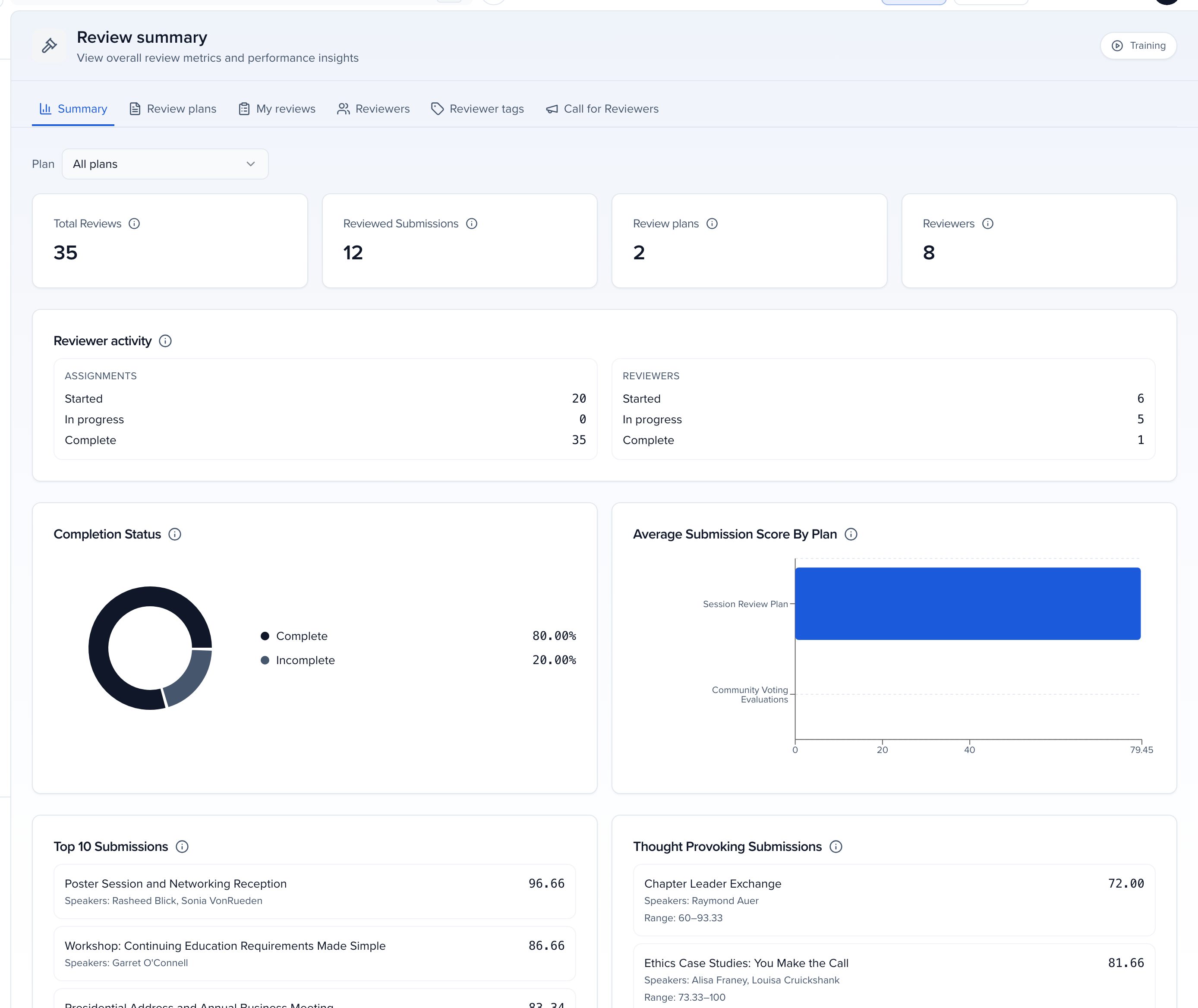
The Plan picker at the top defaults to All plans. Choose one plan to scope every number to it; the page then adds a Plan Summary tab and one tab per round, so you can look at a single round on its own.
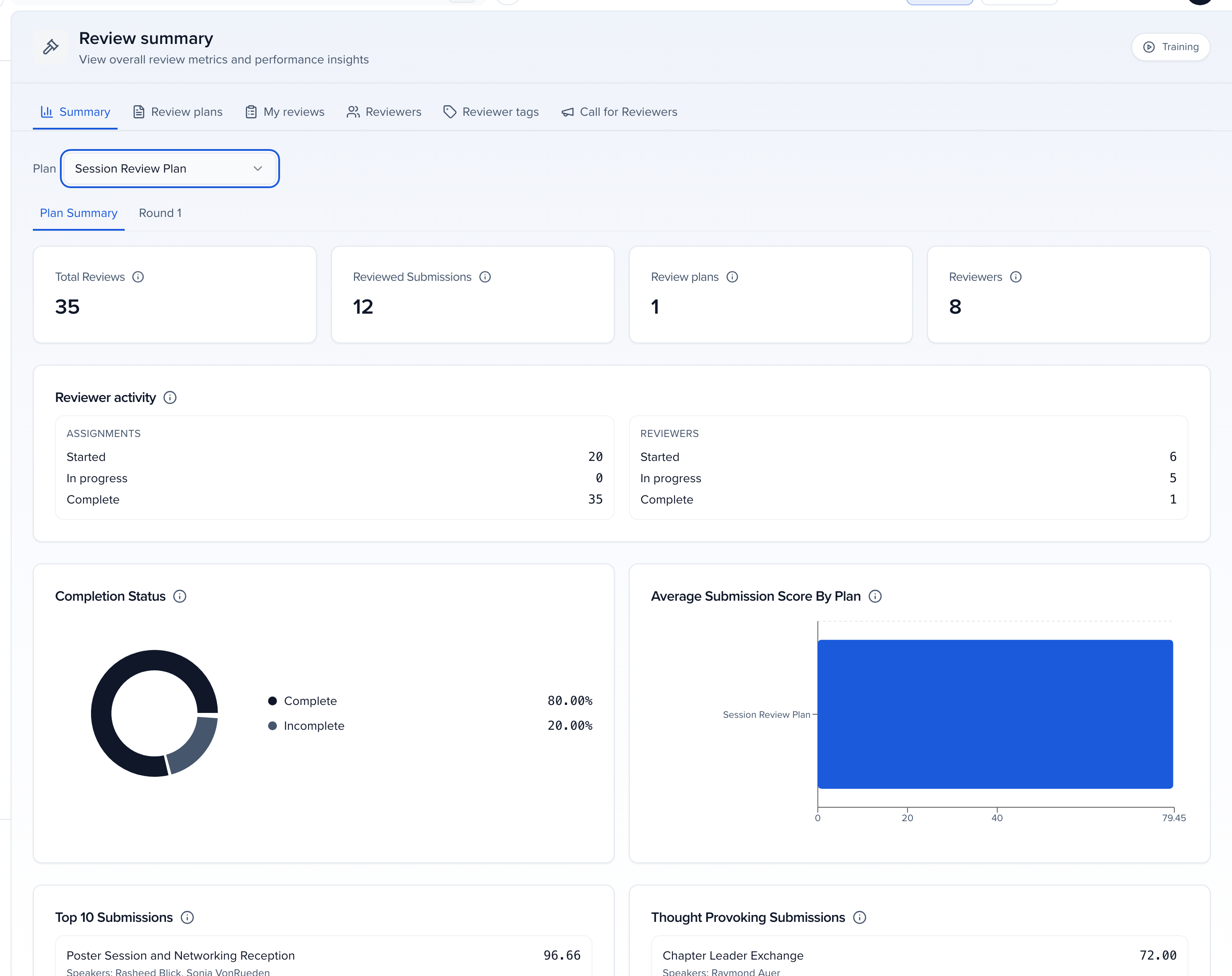
What each panel shows
Section titled “What each panel shows”| Panel | What it counts |
|---|---|
| Total Reviews | Reviews submitted across the plans in scope. |
| Reviewed Submissions | Submissions with at least one submitted review. |
| Review plans | Plans configured for the event (or 1 when scoped to a plan). |
| Reviewers | Distinct people assigned to review across the plans in scope. |
| Reviewer activity | Two ledgers — Assignments (per submission: Started, In progress, Complete) and Reviewers (per reviewer: Started, In progress, Complete). An abstained assignment counts as started and complete, never as in progress — unless Count abstains as completed reviews is off in Program settings → Reviews, which leaves abstains out of these counts. |
| Completion Status | Reviews submitted as a share of the total required across the plans in scope. |
| Average Submission Score By Plan | Average reviewer score per plan, across all completed reviews in that plan. |
| Highest Score / Lowest Score | The single best- and worst-scoring submission by average reviewer score. Submissions with no scored review are excluded from Lowest. |
| Top 10 Submissions | Highest average reviewer scores. A submission needs at least one completed, scored review to appear. |
| Thought Provoking Submissions | Where reviewers disagreed most, ranked by the spread between the highest and lowest individual ratings. The headline is the average; Range shows the lowest–highest individual rating. |
Reading it during a review cycle
Section titled “Reading it during a review cycle”- Reviewer activity → Reviewers → In progress is how many reviewers have started but not finished. The Reviewers tab lists them by name.
- Scope the picker to a plan and open a Round tab to check one round’s completion before you open the next.
- Thought Provoking Submissions are the ones worth a committee conversation — a high average with a wide range means at least one reviewer saw something the others did not.
Related
Section titled “Related”- Review plans — build plans, rounds and criteria; scores also appear on each session’s Reviews tab
- Setting up round-based reviews
- Accept or decline sessions — turning scores into decisions