Switch between your portals
As a portal user, you may be designated as a speaker while also having access to additional user or group portals. For example, you may be affiliated with a sponsor group and need to access your sponsor portal, or you may be a speaker’s assistant and need to access their portal to complete tasks on their behalf.
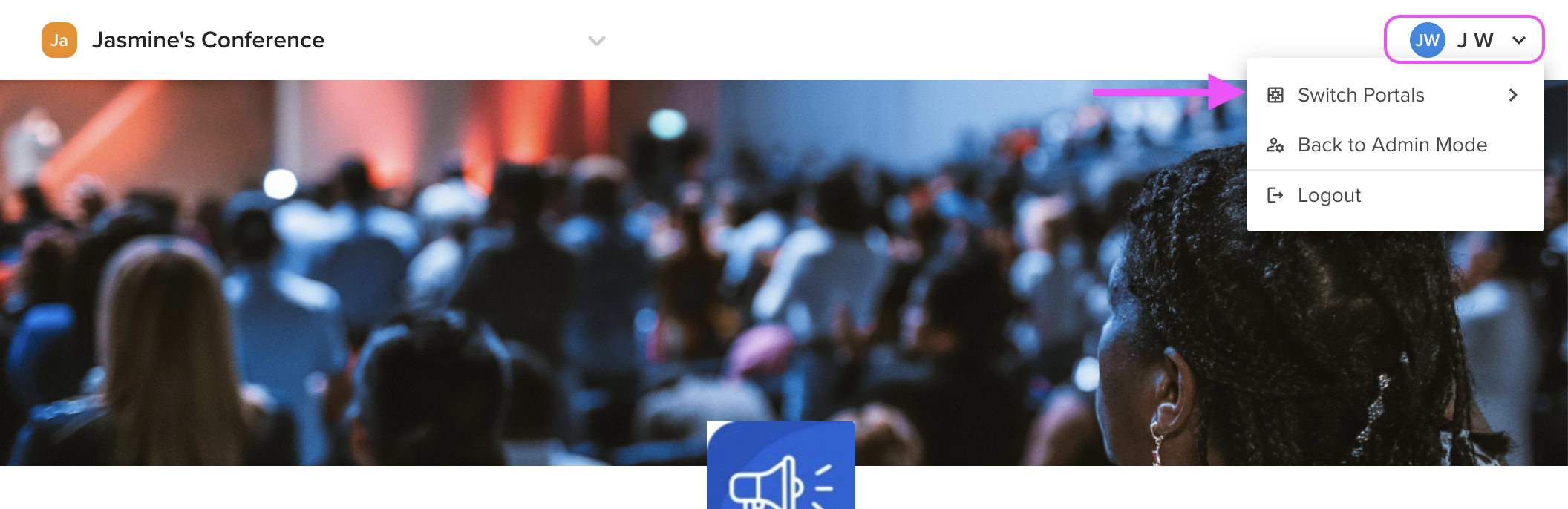
To switch between portals, select your name in the top right-hand corner of your screen and choose Switch Portals from the dropdown menu. This will allow you to view and complete the tasks associated with each portal.