

Submission form settings
Adjust the look of your session submission forms — background, button colors, typography — to match the branding of your organization and event. Open Settings → Submission Forms in the event.
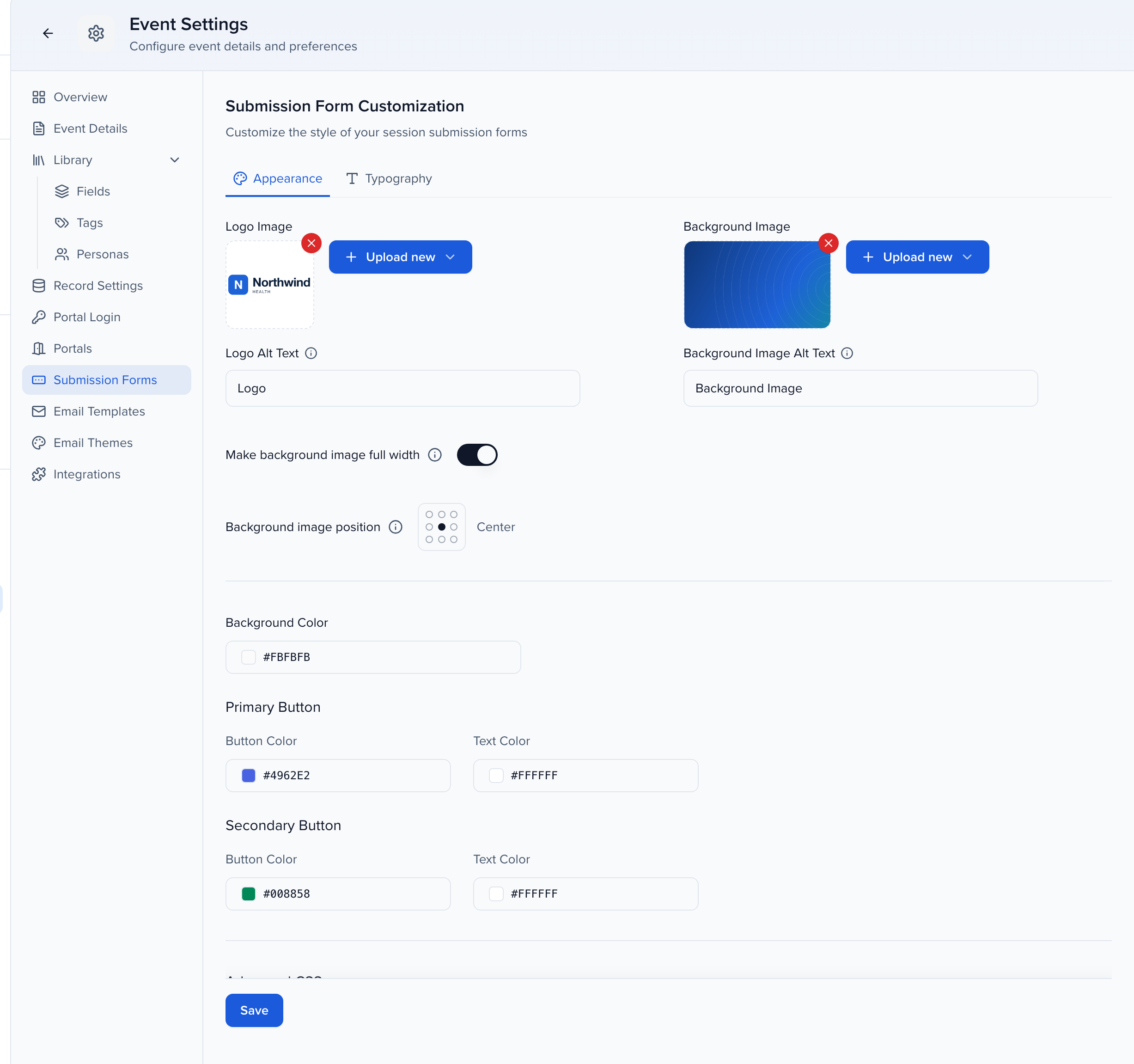
Appearance
Section titled “Appearance”Within Appearance, you can set:
- Logo Image and its alt text
- Background Image and its alt text, whether to Make background image full width, and the Background image position
- Background Color
- Primary Button color and text color
- Secondary Button color and text color
- Advanced CSS and Advanced Scripts for anything the controls do not cover — use these with care, they load on every form
Select Save when you are done.
Typography
Section titled “Typography”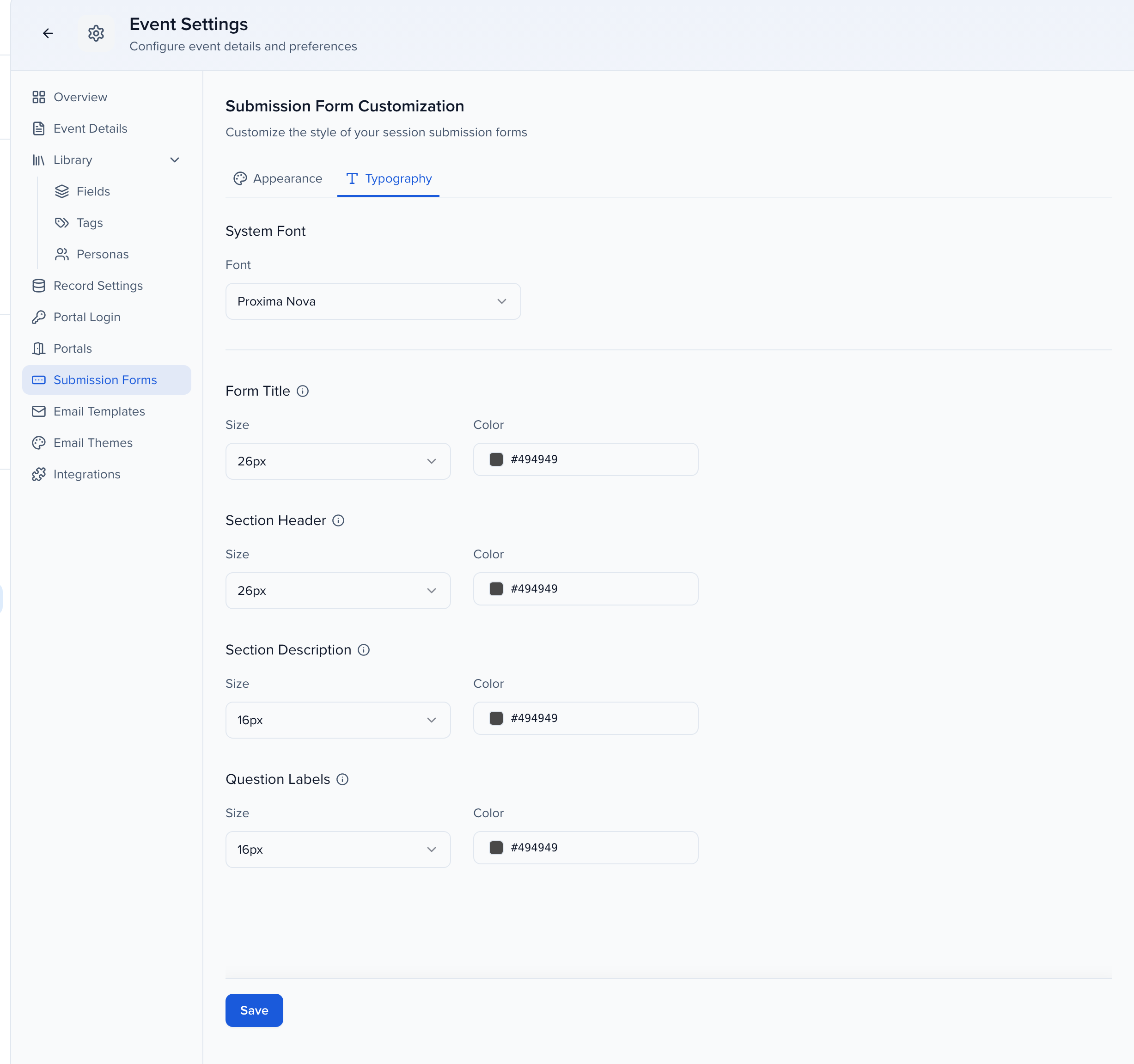
Within Typography, you can set:
- System Font
- Form Title size and color
- Section Header size and color
- Section Description size and color
- Question Labels size and color