

View and download portal files
-
Log into your portal
-
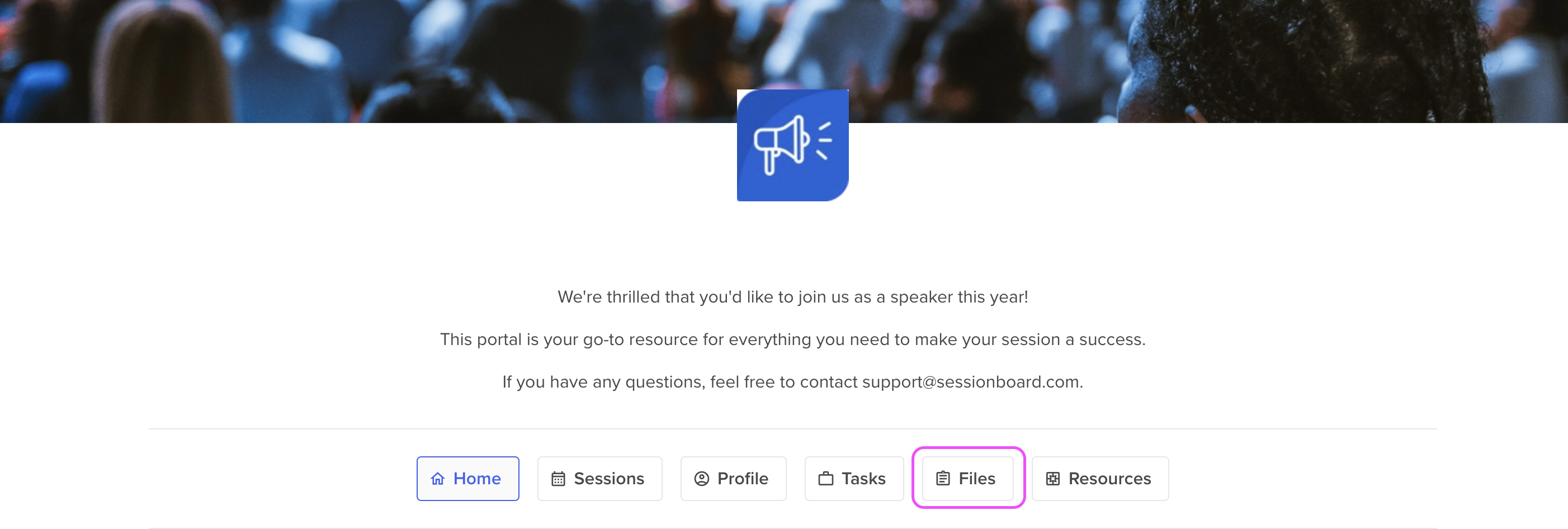
Click on the button Files at the top of your portal.
-
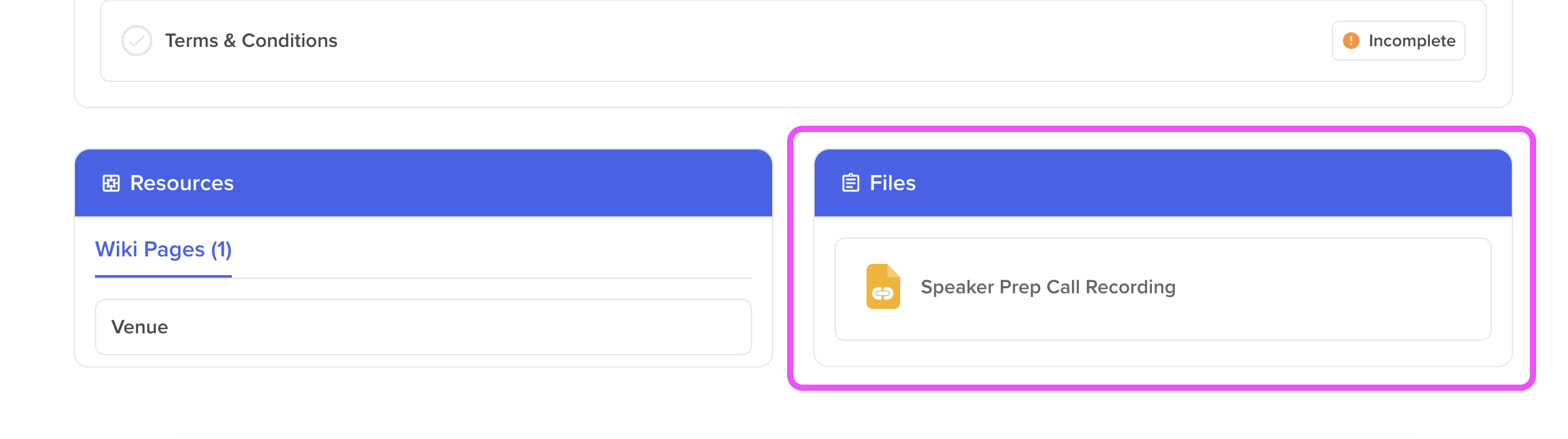
From the Files widget, select a file you would like to view/download.
Log into your portal
Click on the button Files at the top of your portal.
From the Files widget, select a file you would like to view/download.