

Play SCORM, xAPI and cmi5 courses
A course you exported from an authoring tool plays inside a lesson. Learners open it on your Learning Site, pick up where they left off, and finishing it completes the lesson like any other step: course completion, credit and certificates follow.
| Standard | Exported from | What Sessionboard reads |
|---|---|---|
| SCORM 1.2 | Storyline, Rise, Captivate, iSpring, most tools | Completion, pass or fail, score, time, where the learner left off |
| SCORM 2004 (3rd and 4th edition) | The same tools | Completion and success separately, score, time, the pass mark set in the package |
| xAPI (Tin Can) | Storyline, Rise, Adapt | Completed, passed and failed statements about the course, score, time, resume data |
| cmi5 | Storyline, Rise and xAPI-first tools | The same as xAPI, with the pass mark and “move on” rule from the package |
Add a package to a lesson
Section titled “Add a package to a lesson”Add the block
In a lesson, type / and pick Course package.
Upload the zip
Drop the course’s .zip on the block or select Choose a zip. Packages can be up to 500 MB. To reuse a package you’ve already uploaded, pick it from Or use one you’ve uploaded.
Wait for it to unpack
The block says Unpacking … and checking every file, then shows the standard, the number of files, the size and the package’s pass mark. If anything in the zip isn’t served (a readme, a source file), the block lists it under files aren’t served.
Choose how it completes
Learners must finish this to complete the lesson is on by default. Under Finished means, choose The package says it’s complete or The learner passes it.
Publish
Select Publish.
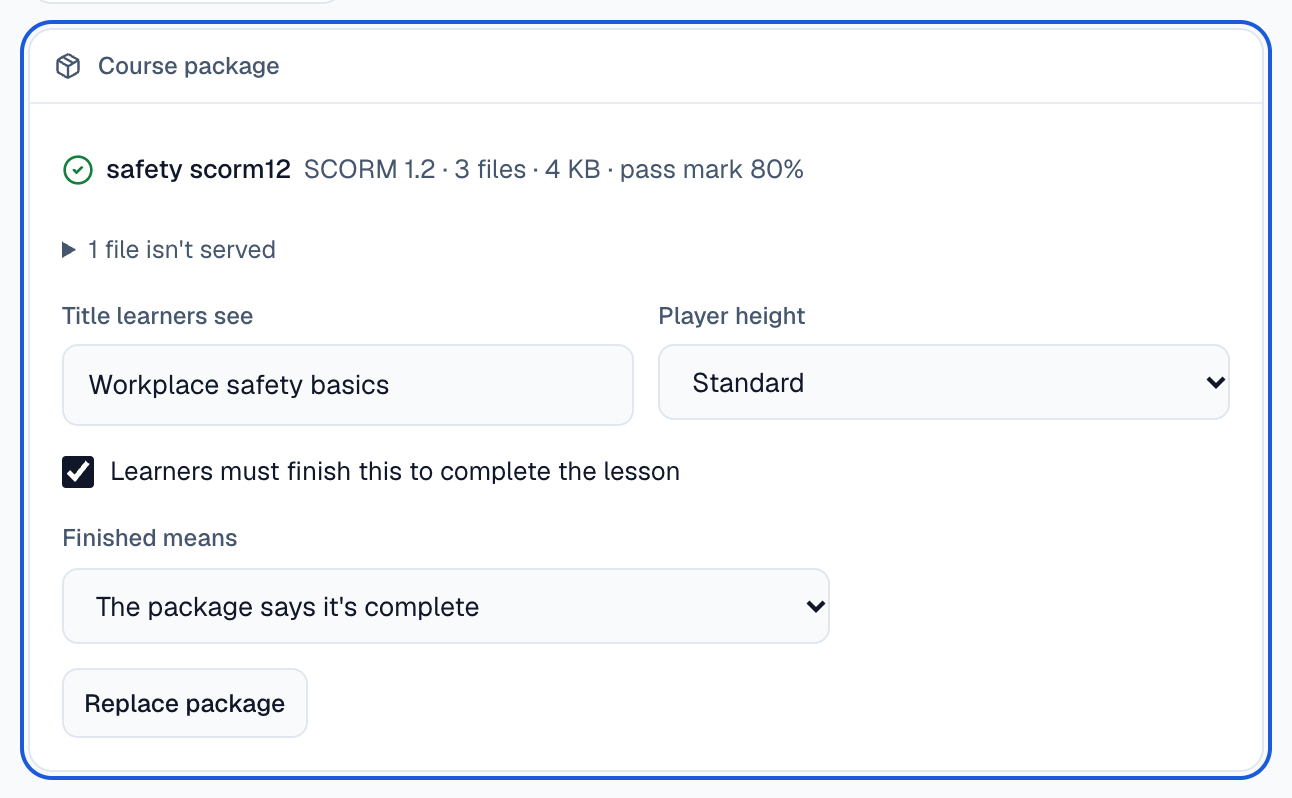
Title learners see is empty unless you type one: learners see the course’s own title from the package. Player height sets how tall the course is on the page; learners can also open it full screen.
What learners see
Section titled “What learners see”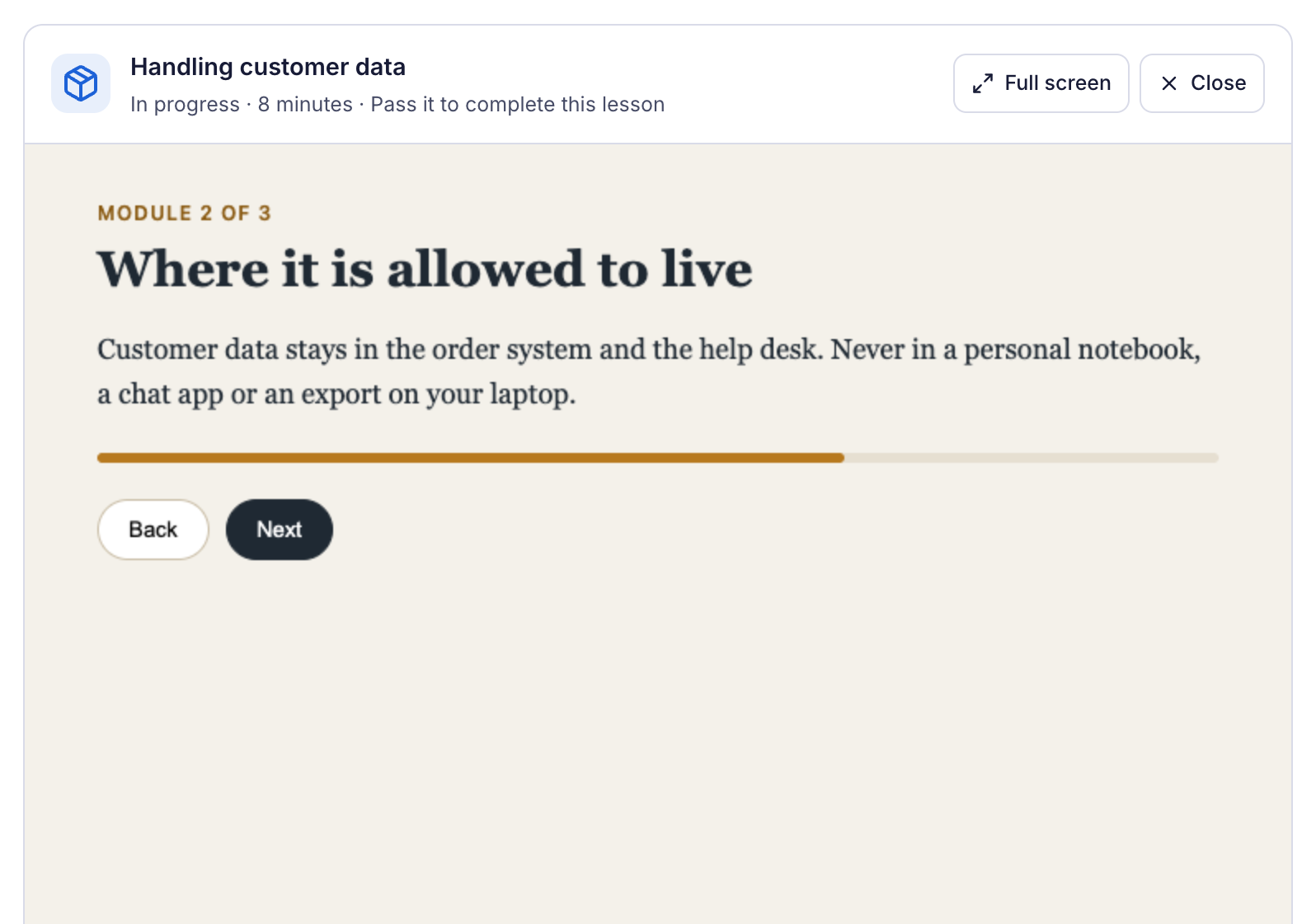
Learners select Start, and the course plays inside the lesson. Above it they see where they are: In progress, Completed, Passed with the score, or Not passed yet, and the time they’ve spent. When they come back, Resume opens the course where they left it.
A lesson with a package that must be finished says Completes when you finish the course package instead of a Mark as read button. If finishing means passing, a learner who doesn’t pass can open the course again and retake it.
Security
Section titled “Security”The course runs in a frame on Sessionboard’s content server, never on your Learning Site’s own address, so its scripts can’t read a learner’s sign-in or change the page around it. When a package is uploaded, every file is checked: files that would reach outside the package, links and programs are refused, and the upload is rejected with the reason.