

Draft an awards program
Each awards program has its own categories, nomination form, scorecard and nomination window. A new program starts as a Draft, and only you and your team can see it until you open nominations.
Create a program
Section titled “Create a program”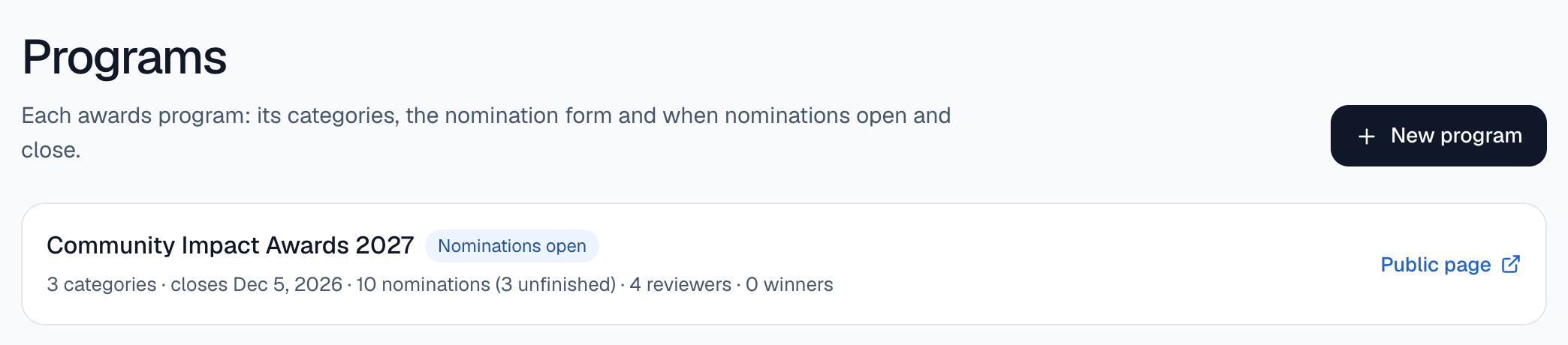
Start a new program
Go to Programs and select New program.
Name it
Enter a Program name. You can also set Nominations close now. Past dates are not accepted, and you can change the date later.
Draft it
Select Draft it. The program opens with starting categories, a nomination form and a scorecard.
You can also ask for it from Home: select Ask and describe the program you want.
Edit the categories
Section titled “Edit the categories”On the program page, the Categories card has one row per category.
- Edit a name in place, select ✕ to remove a category, or select Add a category.
- Select Save categories.
A program keeps at least one category, and it can have up to 50.
Check the form and the scorecard
Section titled “Check the form and the scorecard”- Nomination form lists the questions nominators answer, grouped by section. Required questions are marked with an asterisk. The form works as it comes; select Edit form to add questions, change them or preview the form. See Edit the nomination form.
- Review pass and scorecard lists what each reviewer scores. Every reviewer scores their assigned nominations once, on this scorecard. It starts with Impact, Originality and Evidence, each scored 1 to 5, and Comments for the committee.
Edit the scorecard
Section titled “Edit the scorecard”On the Review pass and scorecard card, rename a criterion in place, choose how it’s scored (Score 1–5, Score 1–10 or Comment), select ✕ to remove one, or select Add a criterion. Then select Save scorecard. A scorecard has up to 12 criteria.
Once a reviewer has scored a nomination, the scorecard can’t change, so every nomination is scored on the same questions.
Who can nominate is shown on the Nominations card: People nominate themselves. or People nominate someone else. It comes from who the awards are for.
Program statuses
Section titled “Program statuses”| Status | What it means |
|---|---|
| Draft | Only your team can see it. |
| Nominations open | It is on your public page and taking nominations. |
| In review | Nominations are closed and reviewers are scoring. |
| Closed | Review is over. |
| Archived | Kept for your records. |