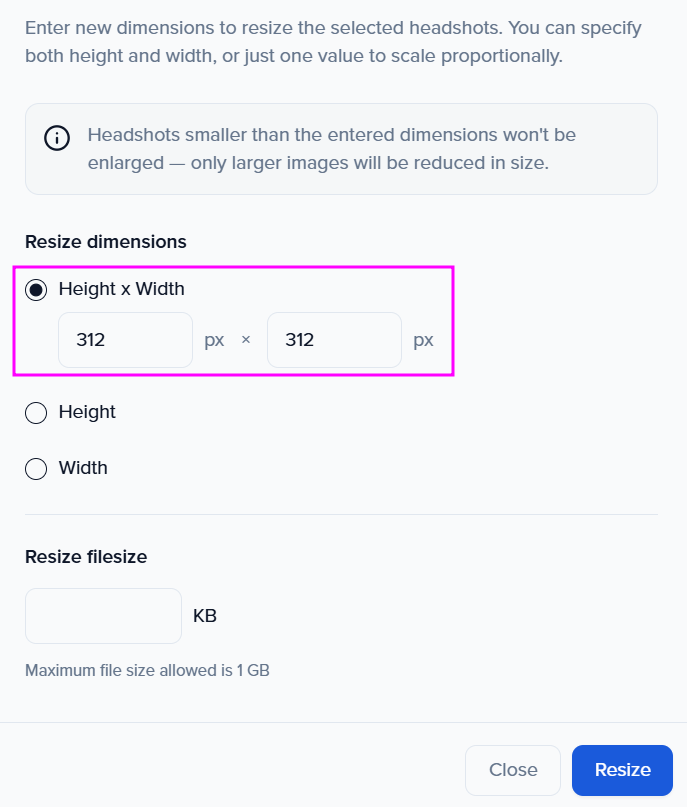
Resize Headshots (set dimensions)
Note: Smaller images won’t be enlarged—only larger files are reduced.
-
Within the Contacts module, use the checkboxes next to each contact’s name to select the individuals whose headshots you want to resize.
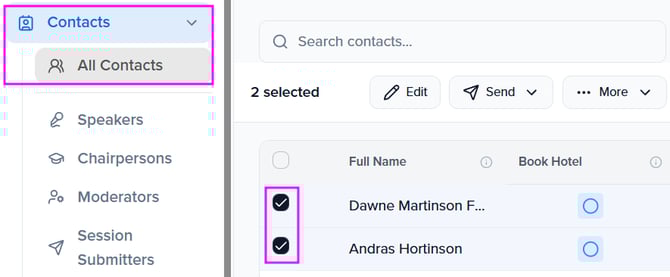
-
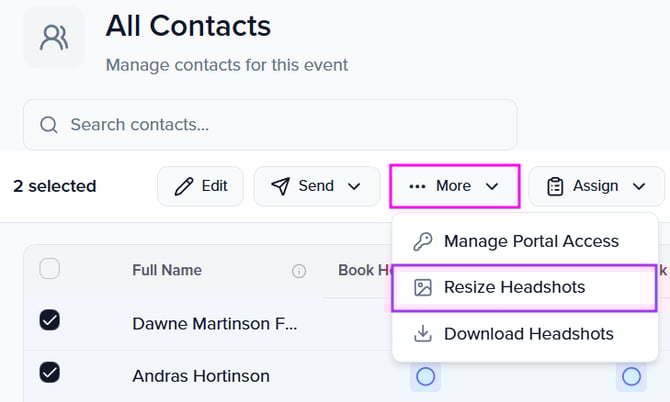
More → Resize Headshots
-
Enter new dimensions to resize the selected headshots. You can specify both height and width, or just one value to scale proportionally.
(Optional) Set a target filesize (KB).