
Sessionboard makes it easy to communicate with your event participants directly through the platform.
Create an Email
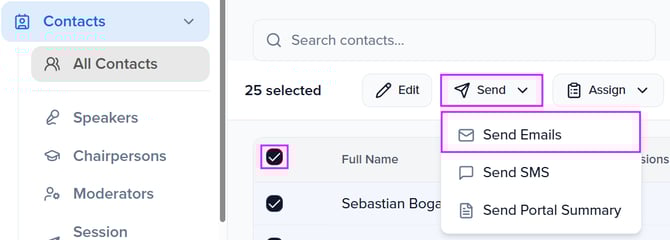
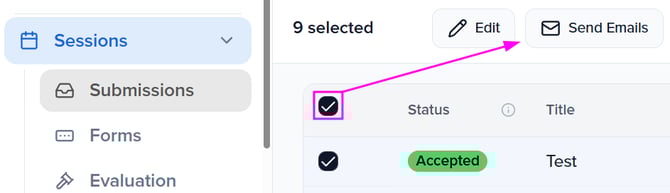
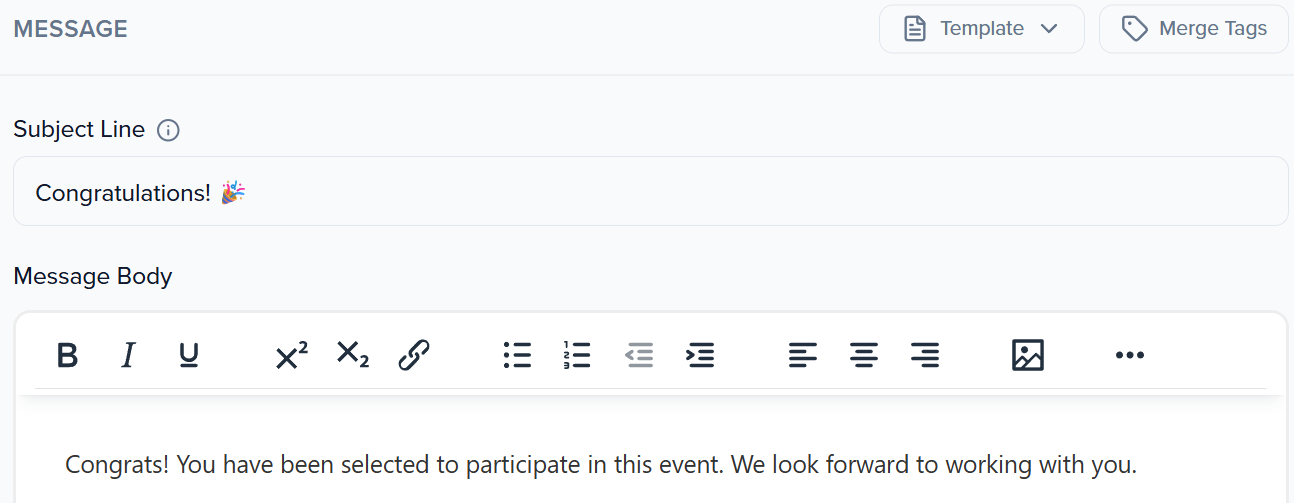
Within the module you intend to send your email from (Contacts, Sessions, Sponsors, or Exhibitors), check the box next to the record(s) you wish to email, then click the Send button at the top of the page.
💡 TIP: To send an email to more than one contact/session/group, select all of the contacts/sessions/groups you would like to email or click the first square to select all within the page.
Contacts Module
Sessions Module

Frequently Asked Questions
- What is the email address of the sender?
- By default, all emails will be sent from "no-reply@sessionboard.com" unless your event is using an event email address with your preferred email domain.
- Can I send a test email to myself?
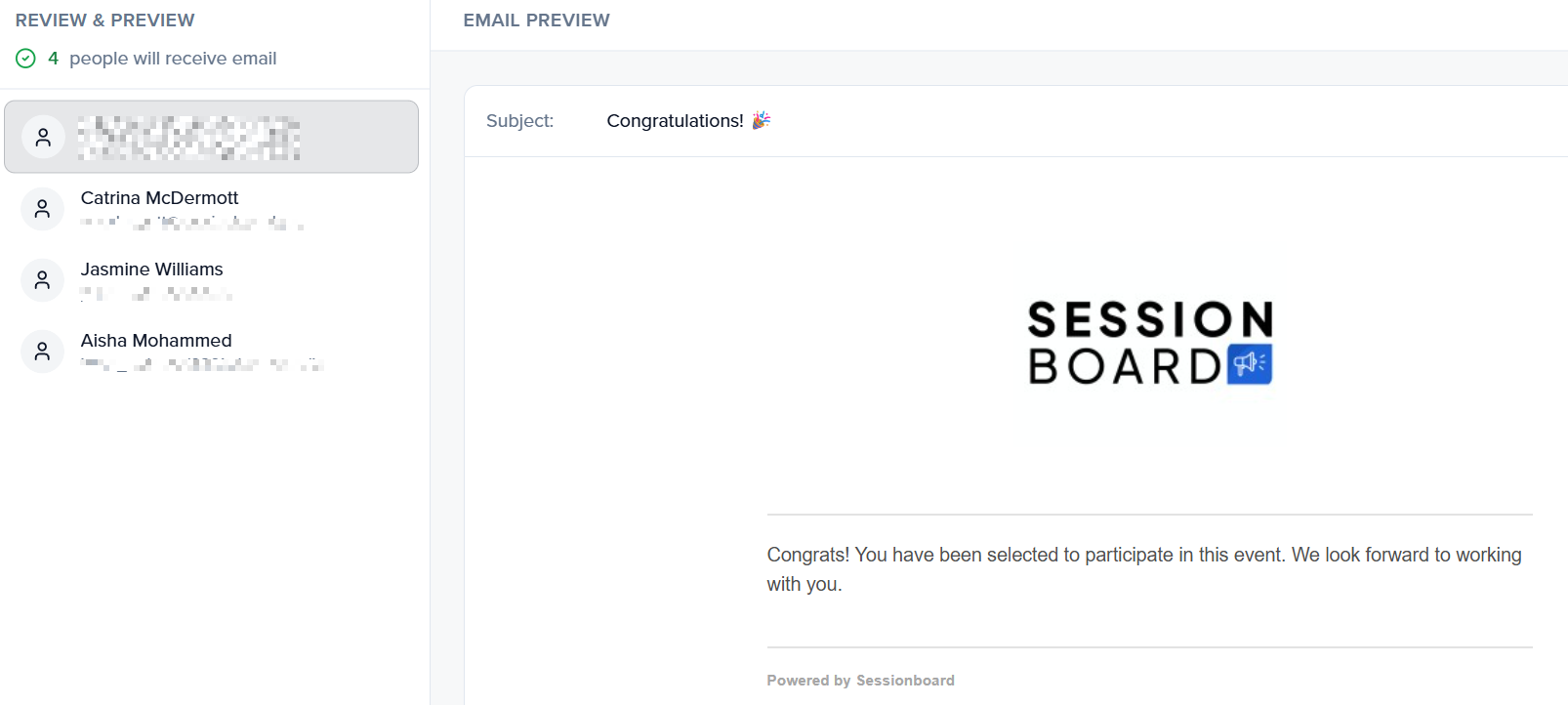
- Before you send an email, you have the ability to preview the email that will be sent to each recipient on the "Review & Preview" page.
- Before you send an email, you have the ability to preview the email that will be sent to each recipient on the "Review & Preview" page.
- Can I send more than 100 emails at a time?
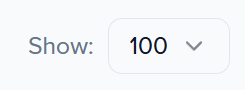
- At this time, users are only able to send up to 100 emails at a time.
- Can I include attachments within my email?
- We encourage you to add any files you would like to share with contacts/groups within the portal and direct the users to view and download the file from their portal.
- Can I use more than one email in the "Replies Sent To" field?
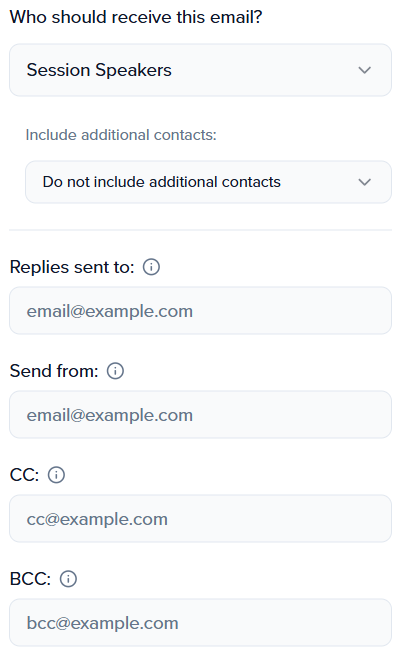
- The "Replies Sent To" field only supports ONE email address.
- Can I include a recipient in the CC or BCC field of an email?
- Yes, up to five emails can be listed in the CC and/or BCC field. Each email should be separated by a comma.
- Do Additional Contacts get CC'd on the Primary Contacts' email?
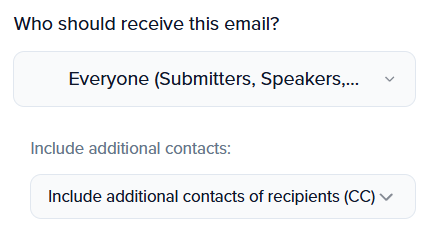
- Additional Contacts will be CC'd if you choose to include additional contacts of recipients (CC).
- Additional Contacts will be CC'd if you choose to include additional contacts of recipients (CC).